xTool, the world's most sold laser machines!


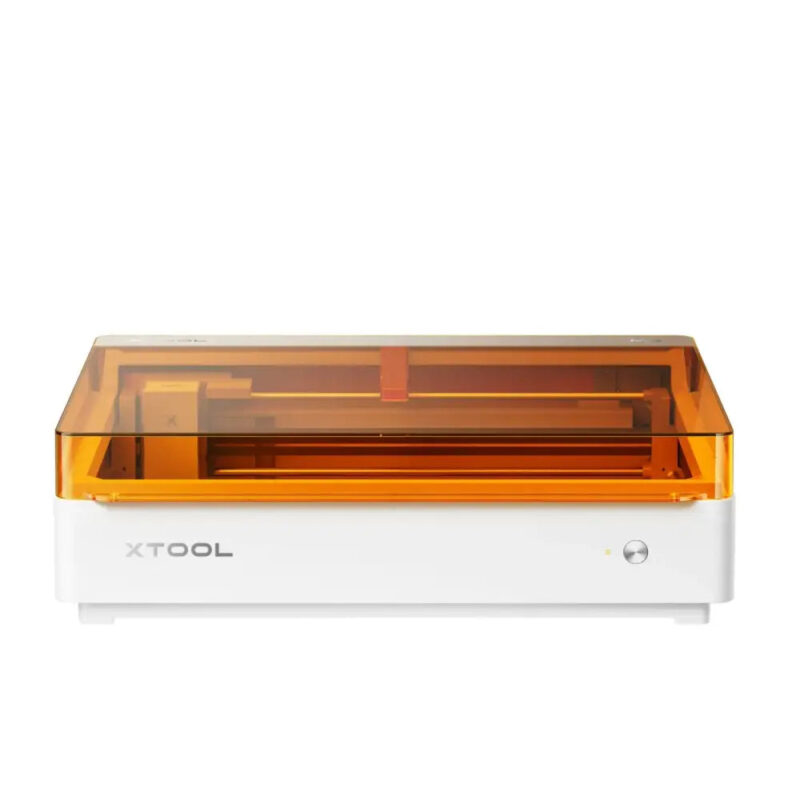
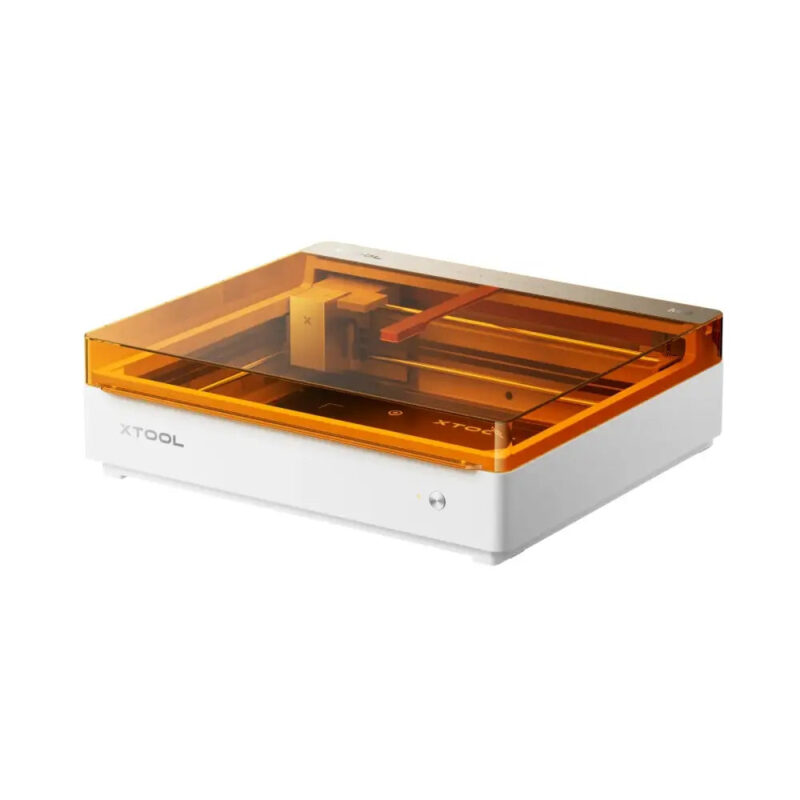
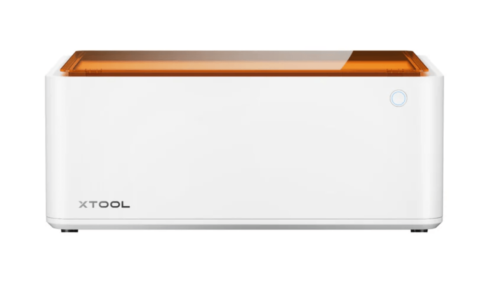
xTool M2 Color Craft Laser Cutter & Engraver
Price range: 699,00 € through 999,00 € + DDV
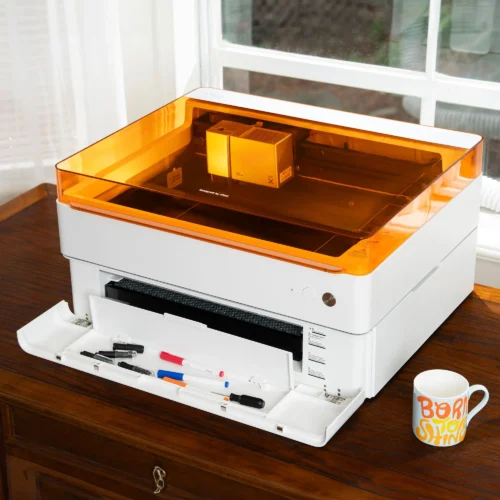
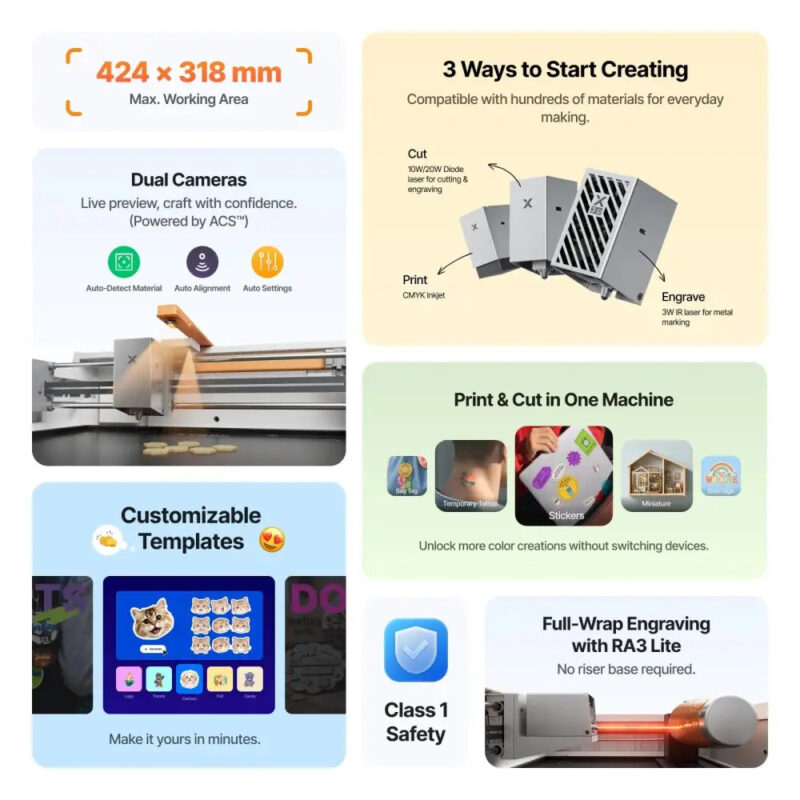
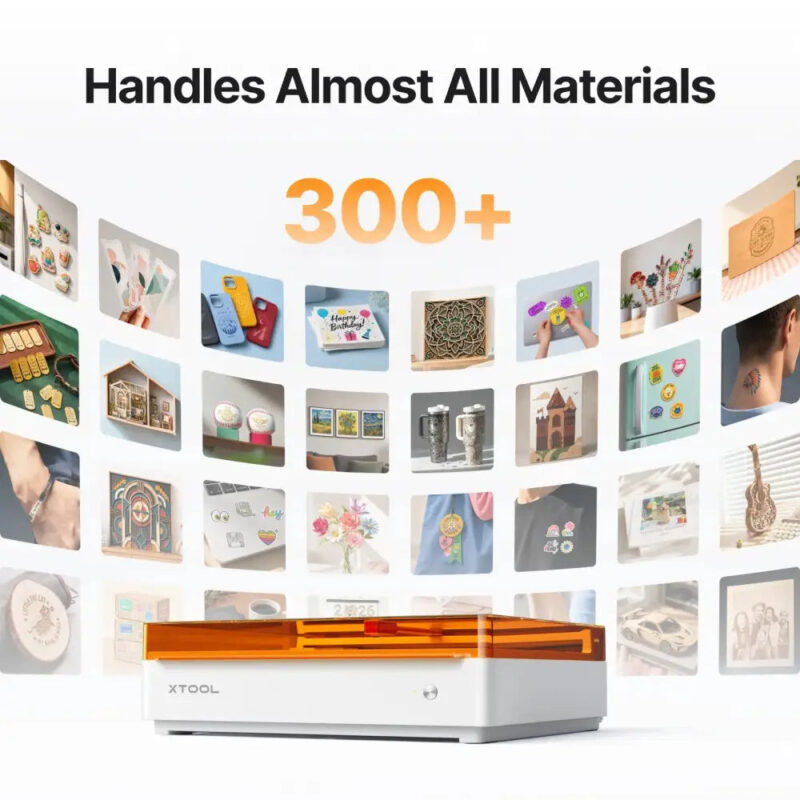
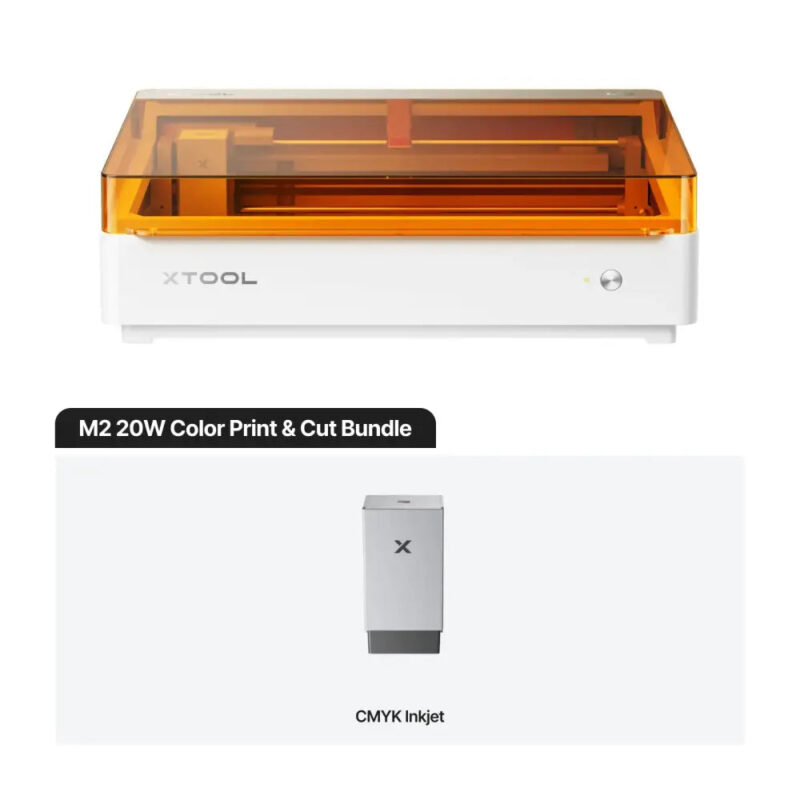
Print, cut and engrave in one machine. The xTool M2 Color Craft combines full-colour CMYK inkjet printing with a 10W or 20W diode laser (and an optional 3W infrared module) to create on 300+ materials — from stickers and wall art to wood, acrylic and leather. Class 1 enclosed, dual cameras with auto-alignment, and xTool Studio for Windows and macOS.
Extra Features
- Premium Quality
- Secure Payments
- Satisfaction Guarantee
- Worldwide Shipping
- Money Back Guarantee
xTool M2 Color Craft: print, cut and engrave in one machine
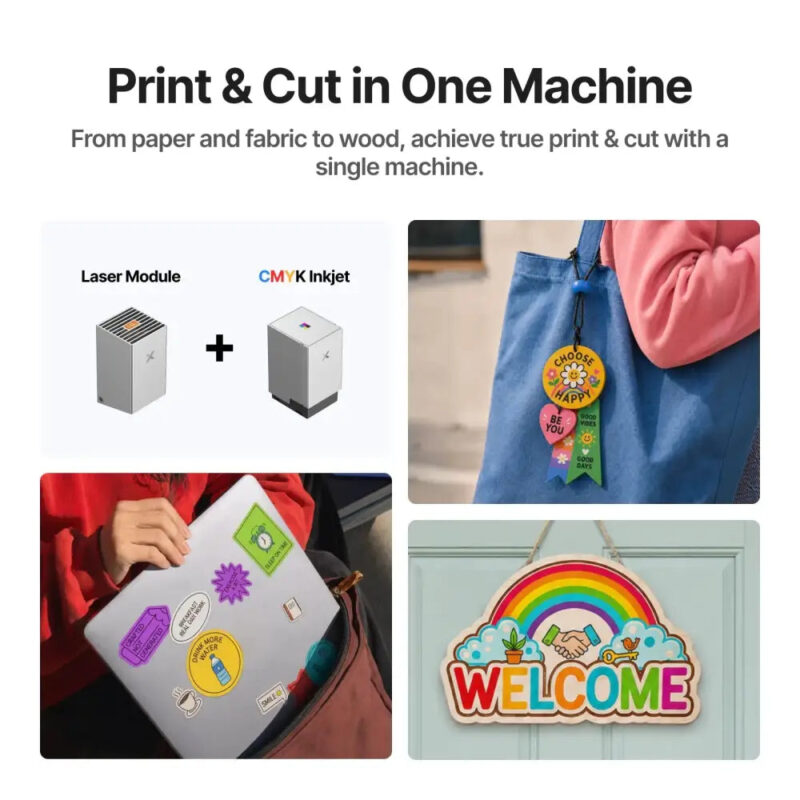
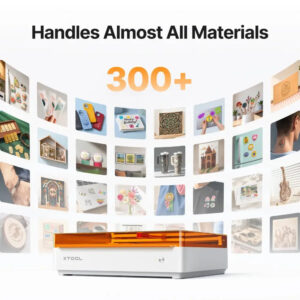
The xTool M2 Color Craft is a fully enclosed desktop laser that combines three creative modes in a single compact unit: full-colour CMYK inkjet printing, laser cutting and laser engraving. Switch between a 10W or 20W blue diode laser, an optional 3W infrared (1064 nm) module and the CMYK inkjet module to print, cut and engrave more than 300 materials — from paper, cardstock and stickers to wood, acrylic, leather, felt and fabric.
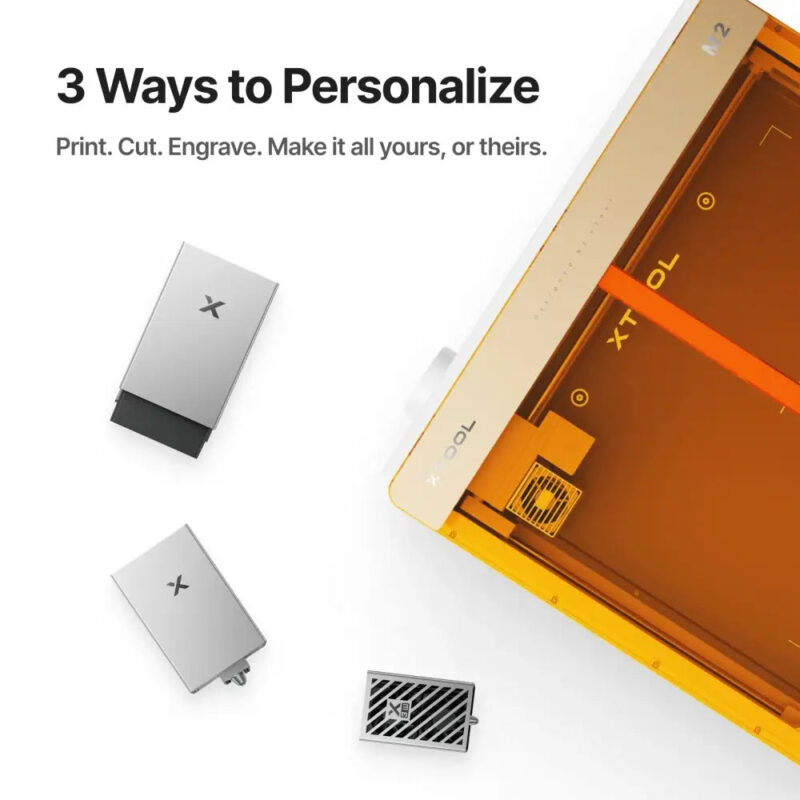
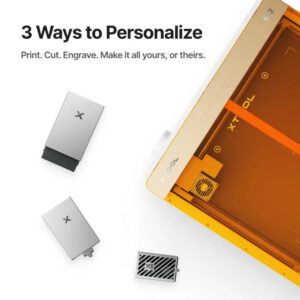
Three ways to personalise: print, cut, engrave
- Cut and engrave with the 10W or 20W blue diode laser — up to 8 mm basswood in one pass with 10W, or 10 mm with 20W.
- Print in full colour with the CMYK inkjet module for vivid stickers, labels, wall art and decorations.
- Mark and engrave metal with the optional 3W infrared (1064 nm) module.
Key features
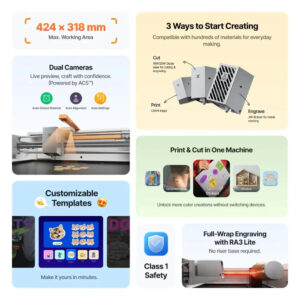
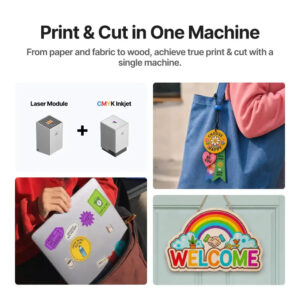
- True print and cut in one machine — print a full-colour design and cut it out without switching devices.
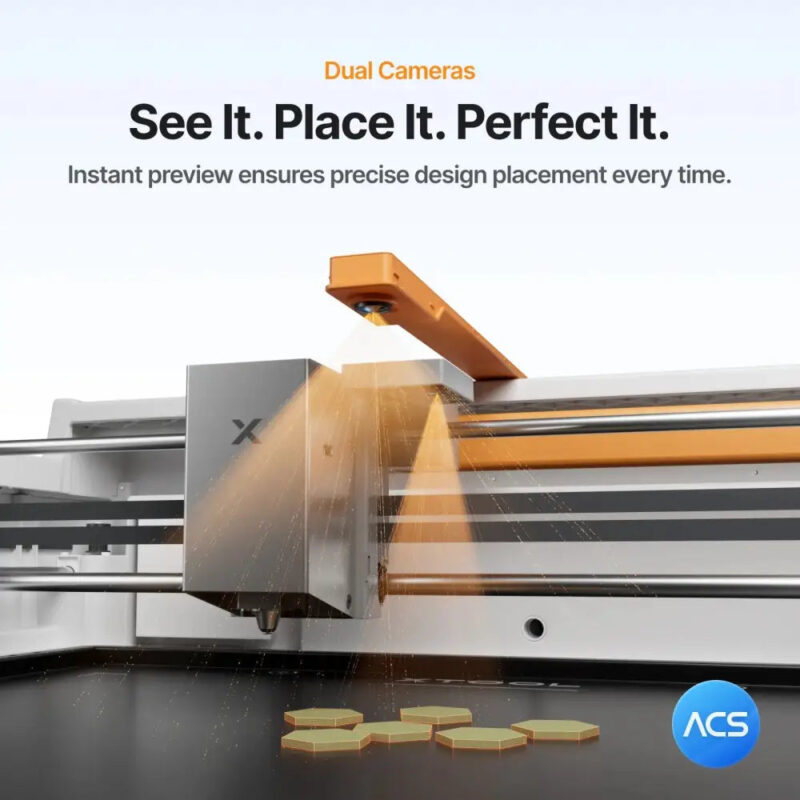
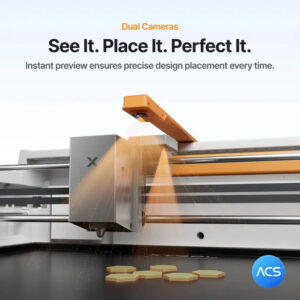
- Dual cameras with ACS — a 5 MP panoramic camera and a 2 MP close-range camera give a live preview with auto material detection, auto alignment and auto settings.
- Full-wrap engraving with RA3 Lite — engrave cylindrical objects up to 100 mm in diameter without a riser base.
- Handles 300+ materials — wood, acrylic, leather, felt, fabric, paper, cardstock and more.
- Class 1 safety — fully enclosed design with an integrated air-assist pump.
- xTool Studio software — for Windows and macOS, with customizable templates to get started in minutes.
Full-colour CMYK inkjet printing
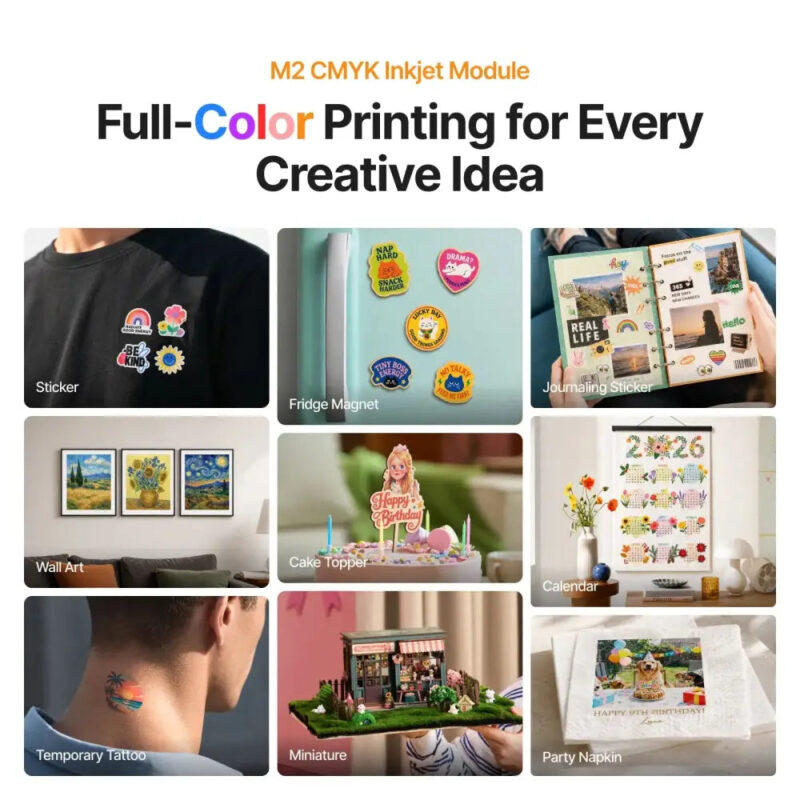
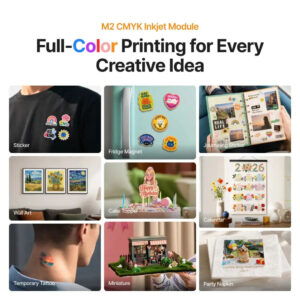
The CMYK inkjet module prints vibrant, full-colour designs directly onto materials such as fabric, cardstock, paper, wood, canvas and felt — ideal for stickers, fridge magnets, journaling stickers, wall art, cake toppers, calendars, temporary tattoos, miniatures and party napkins. Each cartridge prints roughly 400 pages at 5% coverage (ISO). Note: the inkjet module cannot print on dense, smooth surfaces such as bare metal, glass or ceramic unless they are coated first.
Technical specifications
| Processing modes | Laser cutting, laser engraving, CMYK inkjet printing |
| Laser modules | 10W or 20W blue diode; optional 3W infrared (1064 nm) |
| Working area (laser) | 426 × 320 mm (10W / 20W); 412 × 310 mm (3W IR) |
| Inkjet print area | 300 × 294 mm |
| Cutting capacity (one pass) | 8 mm basswood (10W); 10 mm basswood (20W) |
| Max. speed | 600 mm/s |
| Cameras | 5 MP panoramic + 2 MP close-range, with autofocus |
| Rotary support | Objects up to 100 mm in diameter with RA3 Lite |
| Software | xTool Studio (Windows / macOS) |
| Connectivity | USB / Wi-Fi |
| Supported files | SVG, DXF, JPG, JPEG, PNG, BMP |
| Machine dimensions | 610 × 569 × 180 mm |
| Weight | 12.3 kg |
| Power | 200 W max; 100–240 V adapter |
| Safety | Class 1 enclosed; integrated air-assist pump |
Which configuration should you choose?
- M2 10W (laser only) — the 10W blue diode machine for cutting and engraving.
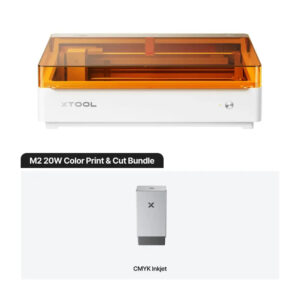
- M2 10W Color Print and Cut — 10W machine plus the CMYK inkjet module for full-colour print and cut.
- M2 20W (laser only) — the more powerful 20W blue diode machine for faster cutting and thicker materials.
- M2 10W Deluxe Bundle — 10W machine with the CMYK inkjet module and the RA3 Lite rotary attachment for full-wrap engraving.
Frequently asked questions
What can the xTool M2 Color Craft do?
It prints in full colour (CMYK inkjet), cuts and engraves — three modes in one enclosed desktop machine. You can print a design and cut it out on the same device.
What is the working area of the xTool M2?
The laser working area is 426 × 320 mm with the 10W or 20W diode module and 412 × 310 mm with the 3W infrared module. The inkjet print area is 300 × 294 mm.
How thick can the xTool M2 cut?
In a single pass the 10W laser cuts up to 8 mm basswood and the 20W laser cuts up to 10 mm basswood.
Can the xTool M2 print colour on metal, glass or ceramic?
The CMYK inkjet module cannot print on dense, smooth surfaces such as bare metal, glass or ceramic unless they are coated first. It prints best on materials such as fabric, cardstock, paper, wood, canvas and felt.
What software does the xTool M2 use?
xTool Studio for Windows and macOS. It accepts SVG, DXF, JPG, JPEG, PNG and BMP files.
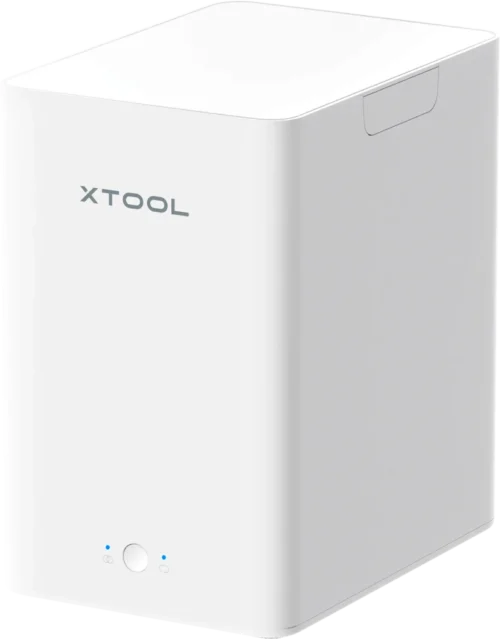
Recommended add-on: xTool Desktop Air Purifier
For clean, smoke-free and odour-free making we recommend the xTool Desktop Air Purifier — €399 (excl. VAT), or only €329 (excl. VAT) when you buy it together with a machine.
Documentation, user guides and material guides are available from xTool support.
|