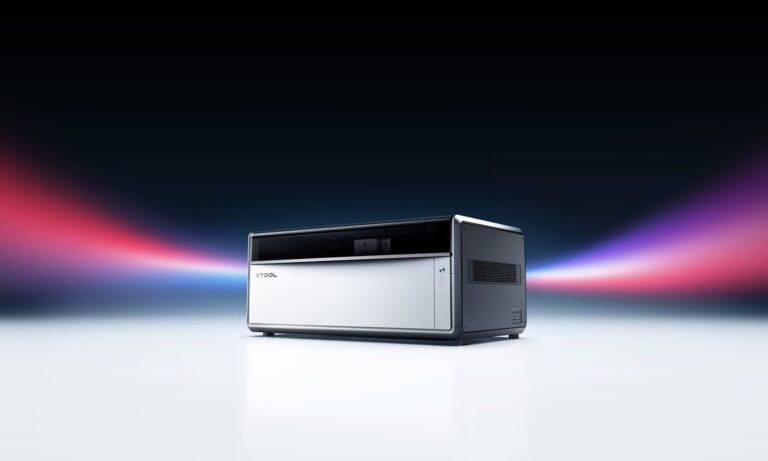
xTool, najprodavaniji laserski strojevi na svijetu! · GravingX – prvi službeni zastupnik xToola u regiji



xTool Studio: Besplatan softver za laserski dizajn za svaki xTool uređaj
xTool Studio is the free, all-in-one design and laser control software included with every xTool machine. Create designs, import artwork, set parameters, and send directly to your laser or printer — no subscription, no limits.

What Is xTool Studio?
xTool Studio is the free, all-in-one design and control software that comes bundled with every xTool laser engraver, laser cutter, UV printer, apparel printer, and metalworking machine. Whether you are running an xTool D1 Pro, F2 Ultra, P2, S1, or any other xTool device, Studio is the creative hub that connects your ideas directly to the machine — no subscription, no hidden fees, no third-party software required.
One Software for Every xTool Machine
One of xTool Studio’s biggest advantages is its universal compatibility. It supports the entire xTool product range, which means you do not need to learn different interfaces or switch tools as your workshop grows. Add a new machine, connect it to Studio, and you are ready to work within minutes.
- Laser engravers and cutters (diode, CO2, fiber)
- UV printers and flatbed engravers
- Apparel and DTF printers
- Rotary attachments and extension modules
- xTool MetalFab (laser welder and CNC cutter)
Design Directly in the Software — No Illustrator Required
xTool Studio is not just a machine controller — it is a full-featured design environment. You can create vector shapes, import images, trace bitmaps into cut paths, add text with dozens of fonts, and arrange multi-layer projects all within the same interface. This makes it accessible to complete beginners while remaining powerful enough for professional creators.
- Vector drawing tools — shapes, lines, curves, boolean operations
- Image import and bitmap tracing — JPG, PNG, SVG, DXF, PDF
- Text and typography tools — multiple fonts, character spacing, text on path
- Layer management — separate cut, engrave, and score layers
- AI Image tools — AI background removal, upscaling, and vectorization
- Smart fill and pattern tools — hatching, gradient engraving, dithering modes
Material Presets and Parameter Library
Getting the right settings for each material — power, speed, passes, air assist — is one of the steepest learning curves in laser work. xTool Studio solves this with a built-in material library covering hundreds of tested combinations: plywood, acrylic, leather, slate, anodized aluminum, fabric, and more. Select your material, choose your machine, and Studio recommends a starting point. Experienced users can save custom presets for their own materials.
Camera Alignment and Bed Preview
xTool machines with built-in cameras (D1 Pro, S1, P2, F2 series) let you see exactly where your design will land on the workpiece before you press Go. Studio’s camera preview shows a live or captured image of your material bed, so you can position artwork with accuracy and avoid wasting stock.
AI-Powered Features
xTool has integrated AI tools directly into Studio to speed up design work:
- AI Background Remover — isolate subjects from photos instantly
- AI Image Generator — generate artwork from text prompts
- AI Upscaler — increase resolution of low-quality images for engraving
- AI Vectorizer — convert raster images to clean, scalable SVG paths
Cross-Platform: Desktop and Online
xTool Studio is available as a desktop application for Windows and macOS, as well as a browser-based online version — useful for designing on the go without installing anything. Projects sync across both versions, and Studio also integrates with popular third-party tools like LightBurn for advanced users who prefer an alternative workflow.
Completely Free — Included with Every xTool Machine
There is no subscription, no tiered licensing, and no feature lock. Every xTool machine purchase includes full access to xTool Studio with all features enabled. xTool updates the software regularly — improvements in AI tools, new device support, and optimized workflows are pushed as free updates.
For most users, xTool Studio is the only software they will ever need. For advanced CNC or metalwork users, it also imports industry-standard DXF and G-code files — making integration with professional CAD tools straightforward.
Who Is xTool Studio For?
- Makers and hobbyists — start engraving immediately with no design experience
- Small business owners — create product designs, personalization, and batch jobs
- Designers and artists — combine creative tools with direct machine output
- Educators and classrooms — one intuitive interface for students of all levels
- Professionals — import existing CAD work, set precise parameters, run production
Get Started with xTool Studio Today
xTool Studio is free to download and available for all xTool machines. If you already own an xTool device, download the latest version from the xTool website and connect your machine. If you are considering your first xTool purchase, Studio is one more reason the choice is easy — everything you need to start creating is included out of the box.
Browse our full range of xTool machines on gravingx.com — each one comes with xTool Studio and is ready to power your next project.
Pripremljeno uz pomoć personaliziranih alata UI i podvrgnuto osobnom uredničkom pregledu i konačnom obliku.